Changing the administrative account password
The password of an account with administrator privileges can be changed in two ways:
Changing the password of the current user
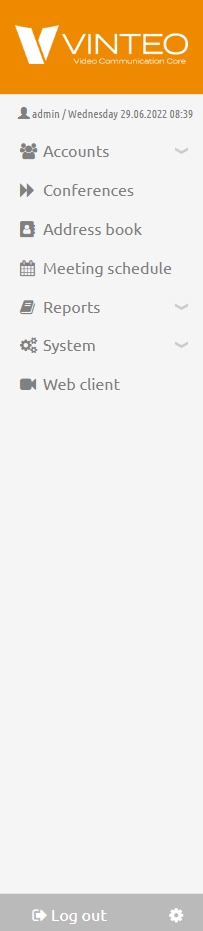
To change the user password, click the profile settings button to the right of the “Logout” button.
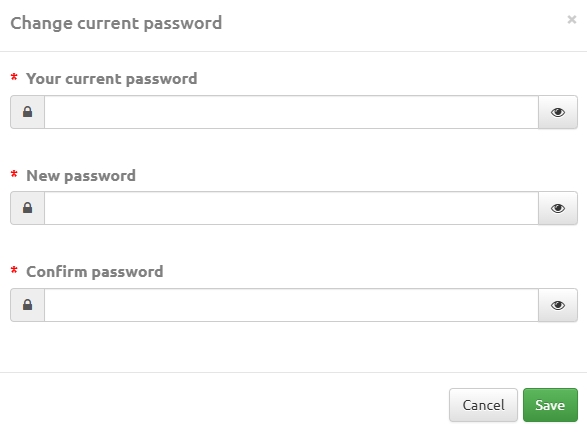
The “Change current password” window will open, where you need to enter the current password and the new password. The minimum password length is 3 characters.
Then click the “Save” button.
Changing the password by editing the user account
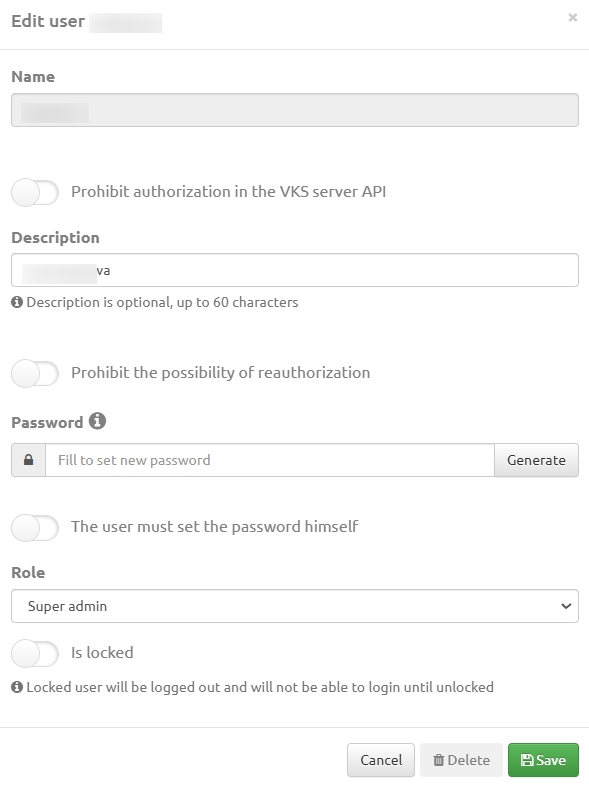
To change the password of your own or another account that has administrative privileges on the server, you must log in to the server with administrator rights. In the navigation menu, go to the “System” – “Users” section and click the link with the user name (the first column on the left).
In the modal window that opens, you can change the current password, edit the data if necessary, and save the changes: