

Description of functionality
This page allows you to upload firmware updates, export the current configuration to a file, and restore the server to factory settings.
After installing the update file, services are restarted and database schemas are migrated.
IMPORTANT!!! You must allow the system to update for 15–20 minutes.
Do NOT reboot the server after installing the update patch! Otherwise, you will need to reinstall the server.
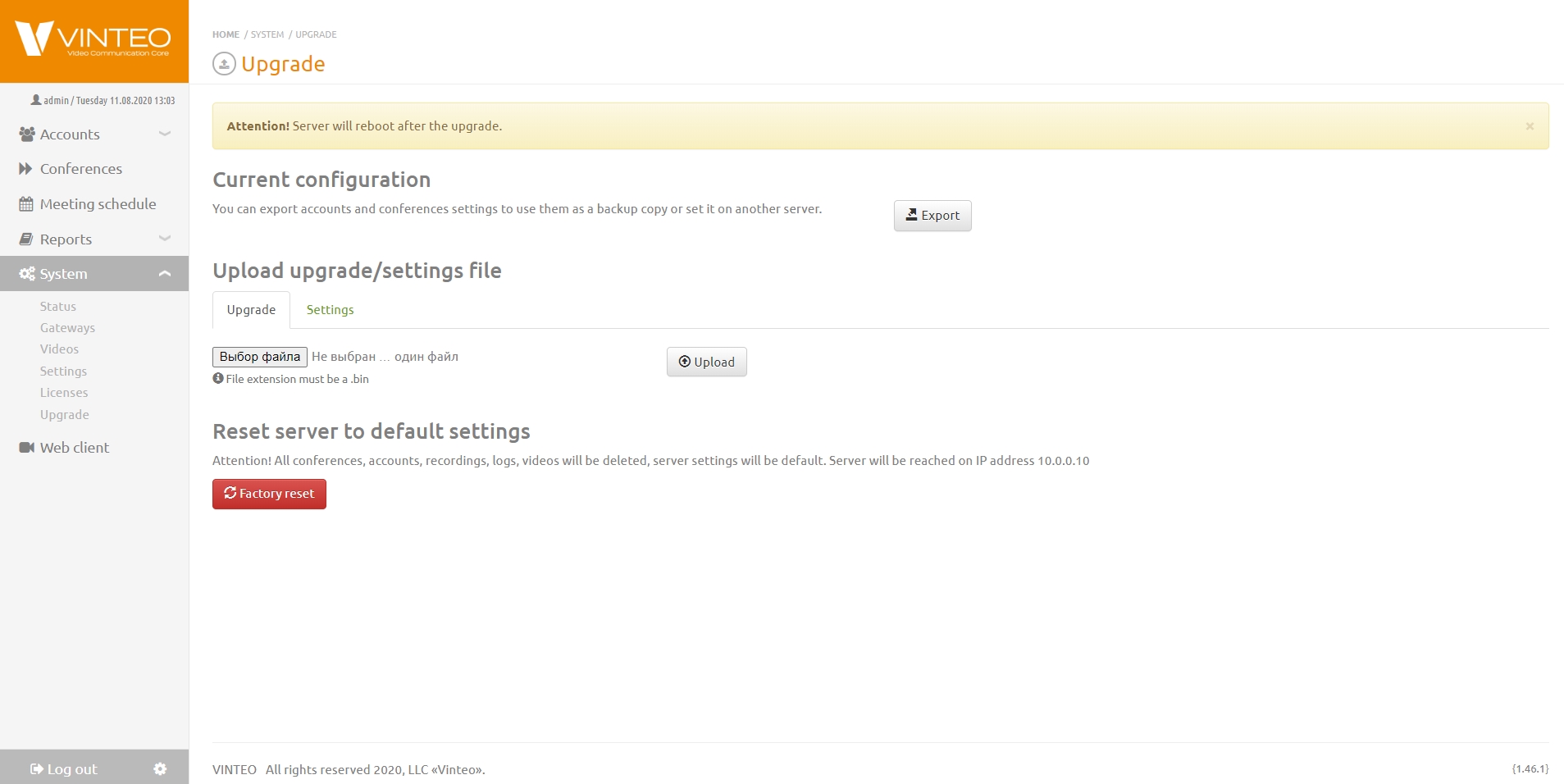
Current configuration
To save the current server configuration, click the “Export” button and save the received “configuration.bin” file in a safe place. This file contains the current server configuration and can help quickly restore server settings in the future.
Uploading updates and settings
To upload an update file or a saved server configuration, click “Choose file” and “Upload” in the corresponding tab of the “Upload update/settings file” section.
Resetting server settings
The “Return to factory settings” button performs a full reset of all previous server settings and restores them to the default state.