Account Groups
To navigate to this page, in the main configuration menu, select “Accounts” from the drop-down list, then choose the “List” menu item — the “Groups” page will open.
The VCS server provides the ability to combine accounts into groups, which allows adding accounts to a conference with a predefined set of participants.
Attention!
An account can be added to only one group. When it is added to another group, its membership in the previous group is terminated.
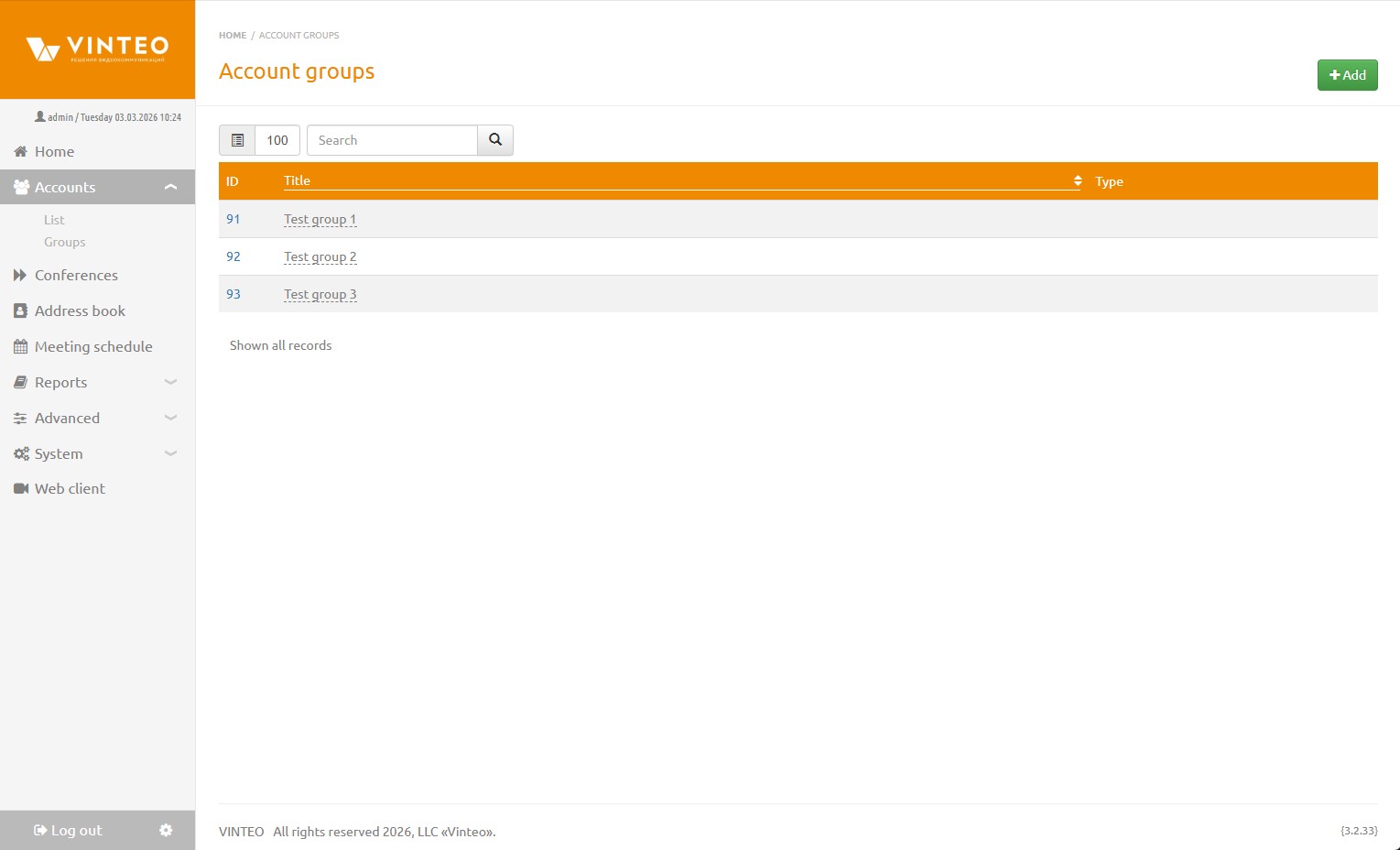
Add
The “Add” button is intended for creating a group.
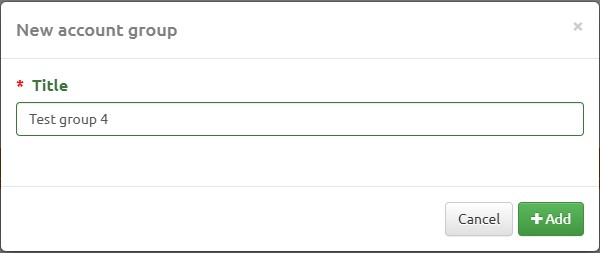
The “New Account Group” modal window contains the following elements:
- Name – field for the name of the group being created. Required.
- Add – save button.