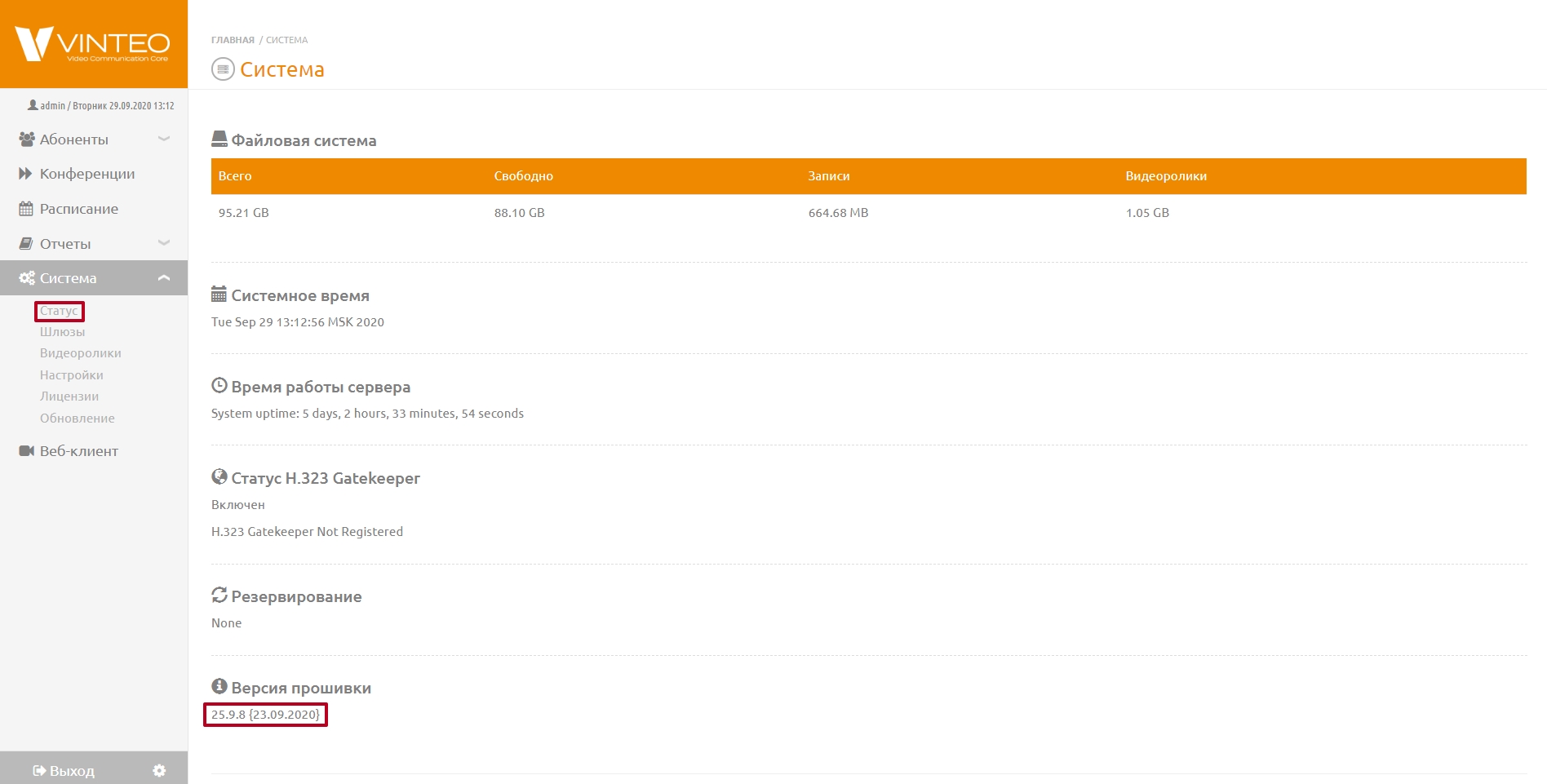
System
This page allows you to view the main information about the server — the total and used disk space, system time, uptime, Gatekeeper H.323 status, redundancy status, and the current firmware version.
In the “Firmware version” block, hovering over the “i” icon displays information about the versions of system components (decoder, encoder, proxy, core), as well as the build date and time.
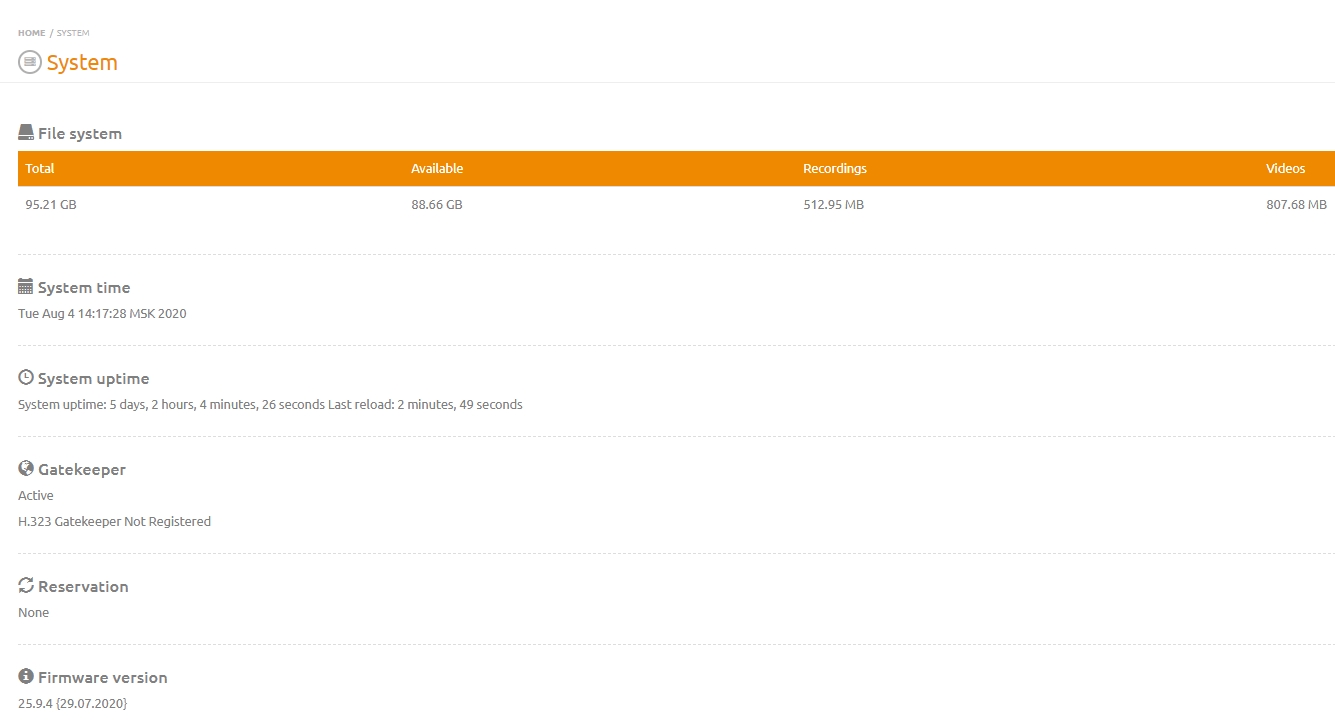
To find out the current firmware version of the server, log in to the server web interface as the admin user and go to “System” -> “Status”. The current firmware version is displayed at the bottom of the opened page.